
Your First Account
After setting your password, Buho Jump walks you through creating your first account.
Four ways to get started
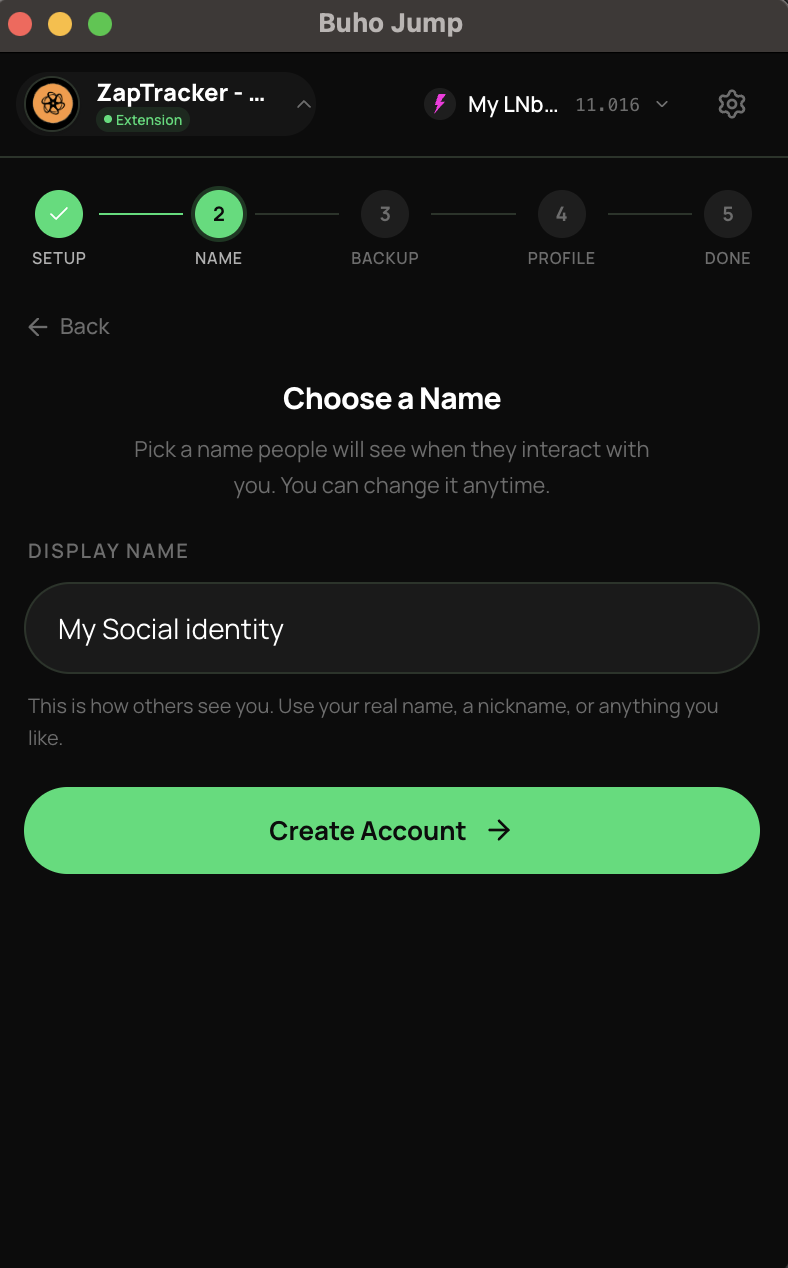
Create a new account
Best for most people. Buho Jump generates a fresh identity for you.
- Enter a display name (this is public — others will see it)
- Back up your 12-word recovery phrase — write it down and store it safely
- Optionally publish your profile to the network
Keep your recovery phrase safe
Your recovery phrase is the only way to restore your account if you lose access. Buho Jump cannot recover it for you.
Import an existing account
If you already have a Nostr identity from another client like Amethyst, Damus, or Primal:
- Paste your private key (
nsec1...) or 64-character hex key - Buho Jump imports it and fetches your existing profile from the network
Recover from mnemonic
If you backed up a 12-word recovery phrase from another Nostr app:
- Enter your 12 words
- Buho Jump derives your keys and restores your identity
Connect a remote signer
For maximum security, you can keep your keys on a separate device (like your phone running Amber):
- Choose Bunker URI or QR Code connection
- Scan or paste the connection string from your signer app
- Your keys never touch the browser — all signing happens on the remote device
See Remote Signing for the full guide.
What's next?
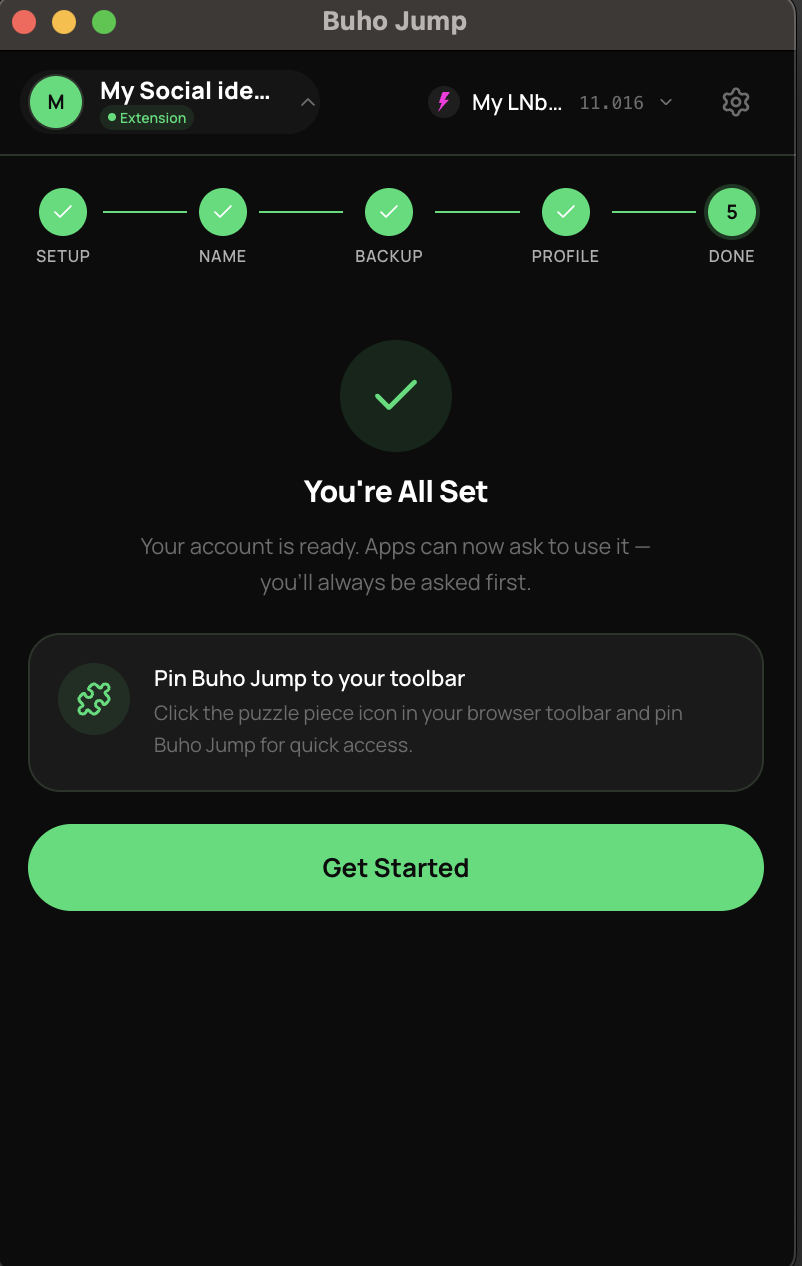
After your account is set up, you'll land on the main screen with three tabs:
- Identity — your profile, connected sites, and permissions
- Wallet — connect a Lightning wallet to send and receive payments
- Chat — private messages and group conversations
Start by connecting a wallet or jump straight into messaging.