
Managing Accounts
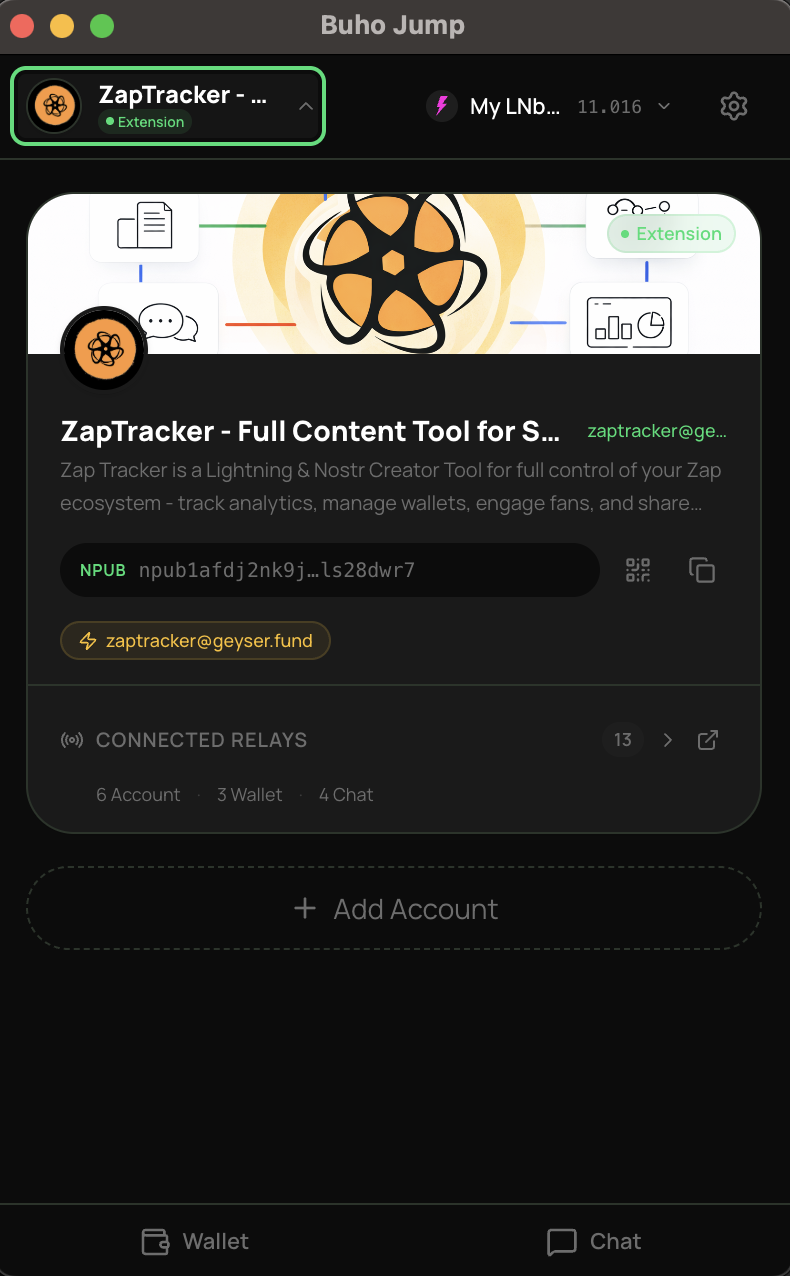
Buho Jump supports multiple accounts. Switch between them instantly — each has its own identity, permissions, messages, and wallet connections.
Adding accounts
Tap + Add Account in the identity section. All four creation methods are available — new, import, recover, or remote signer.
Switching accounts
Tap your account name to see the account switcher. Select any account to switch. All data (messages, wallet, permissions) switches with it.
Relay configuration
Each account has three relay pools — account, wallet, and chat. You can configure them independently from the relay settings page.
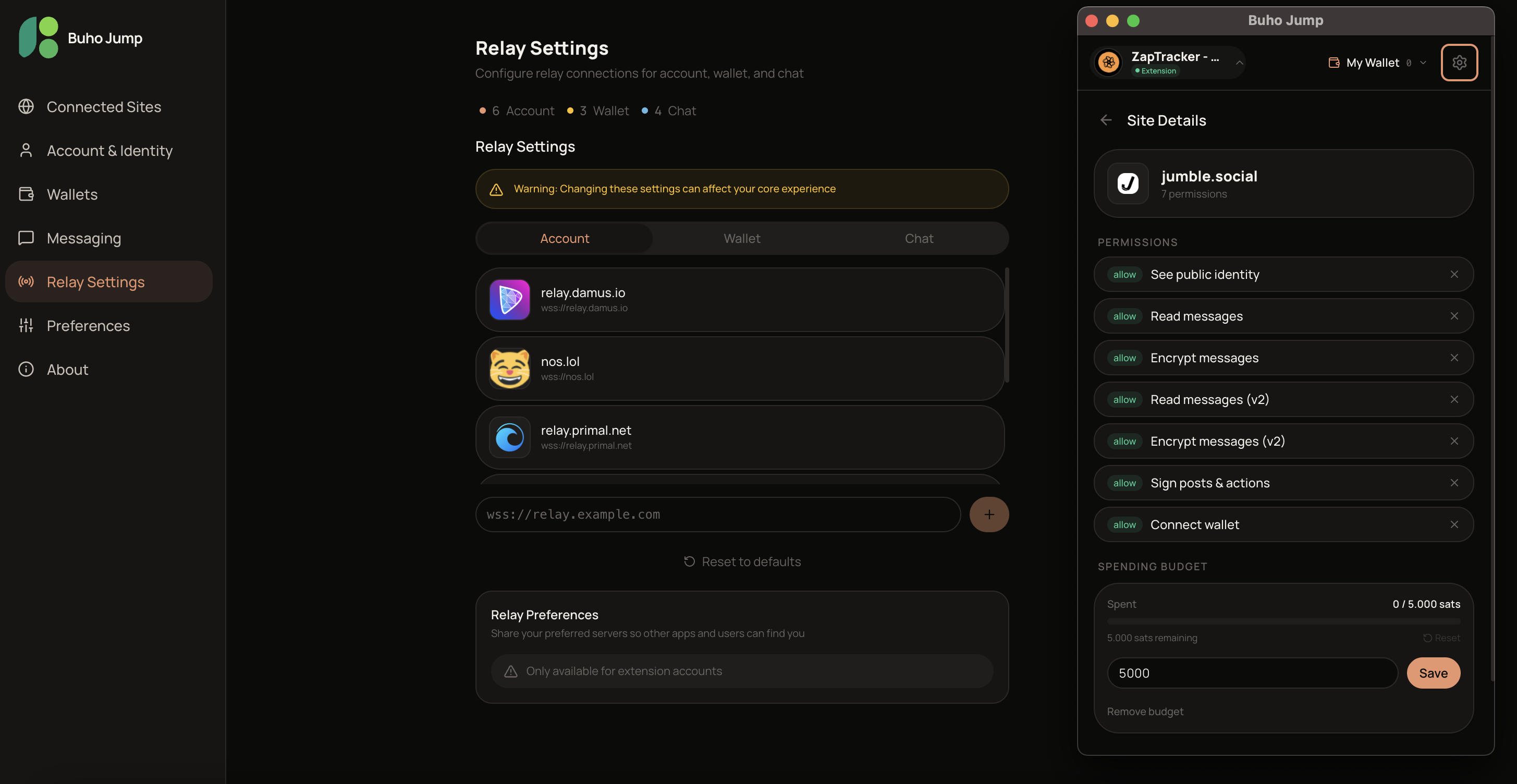
When you create a new account, Buho Jump automatically publishes your relay list (NIP-65) to the network. This tells other clients where to reach you — especially important for receiving encrypted messages.
Deleting accounts
Use the delete option in the account section. This removes the account from the extension — it does not delete your identity from the Nostr network. You can always re-import it later.
Back up first
Before deleting, make sure you have your recovery phrase or private key. Once deleted from the extension, you'll need it to get back in.
Account types
| Type | Keys stored | Signing | Best for |
|---|---|---|---|
| Local | On this device (encrypted) | In the extension | Most people |
| Remote (NIP-46) | On your signer app | Via remote signer | Maximum security |
Remote signer accounts cannot use NIP-17 encrypted messaging (which requires direct key access). They fall back to NIP-04 messaging.